The latest version of Helppier introduces new styling templates and options that you can use to customize your interactive guides.
To customize your guide's appearance and styling you need to record a tutorial or tooltip first.
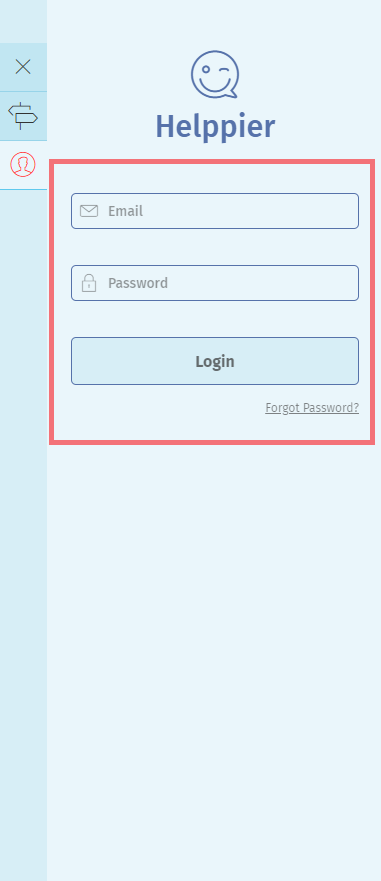
1. Login to Helppier's tool using the credentials provided by our team
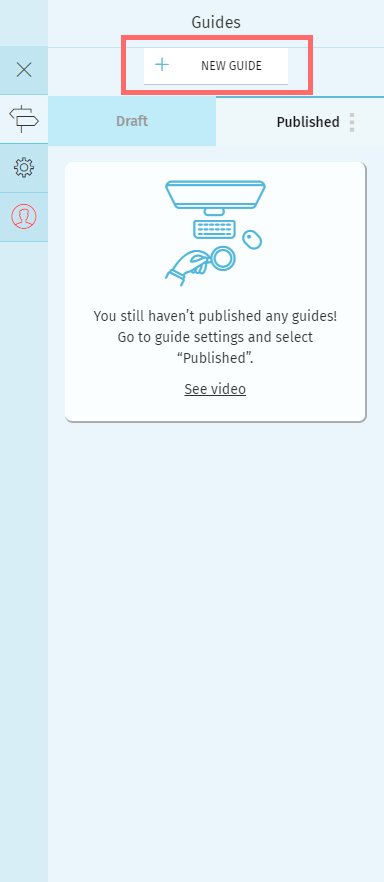
2. Click on "New Guide" to get started
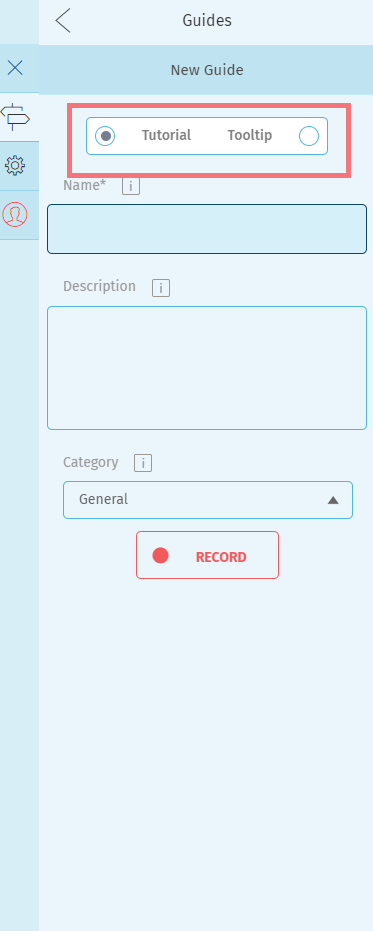
3. Select "Tutorial" or "Tooltip", add a Name and click "Record" to get started.
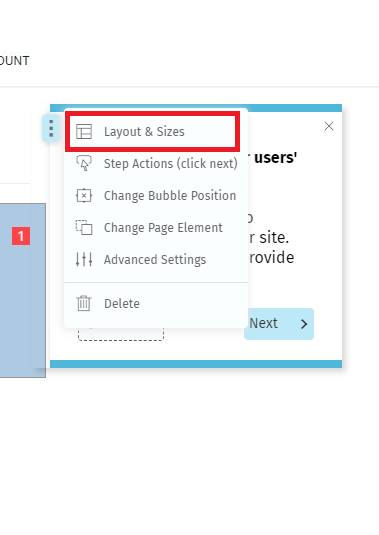
4. Select an element of your page and click on the option "Layout & Sizes" located in the menu of your bubble
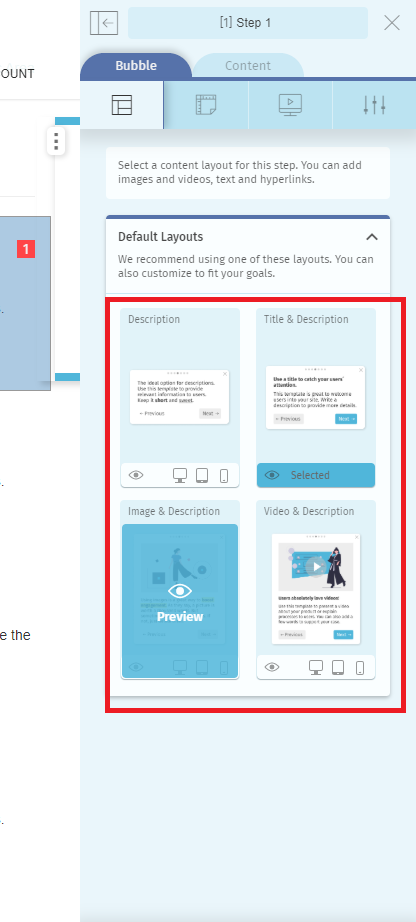
5. A sidebar with different layout options will open. Click on the template that you want to use.
Note that each type of guide has different template options available.
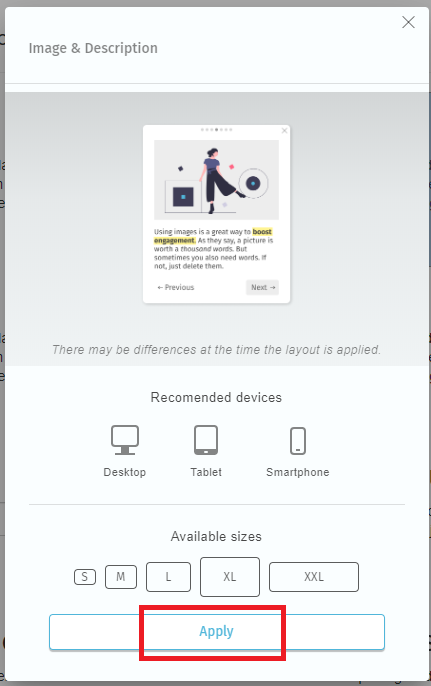
6. A preview message will appear, select "Apply".
Comments
0 comments
Please sign in to leave a comment.