This integration allows Helppier to send several events like when a tour starts, stops and many more.
Helppier is able to identify the property already present on the client website.
So make sure you have your Google Tag Manager (GTM) account all set up to make this integration.
1. Go to your website where Helppier is installed, click on our widget, and login to your account;
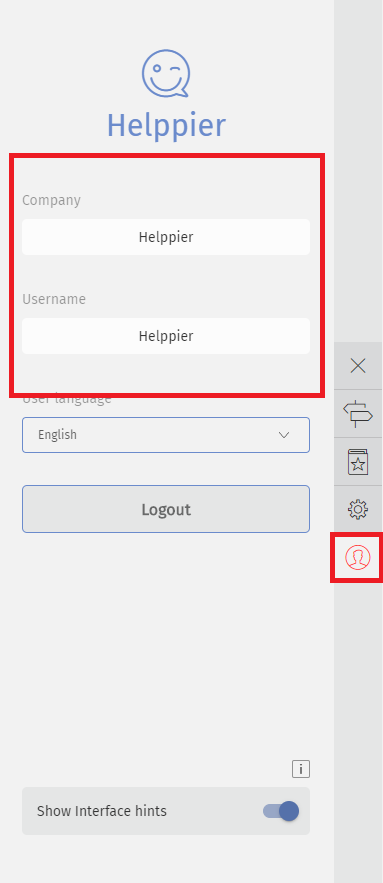
2. Click on the settings icon located in the sidebar;
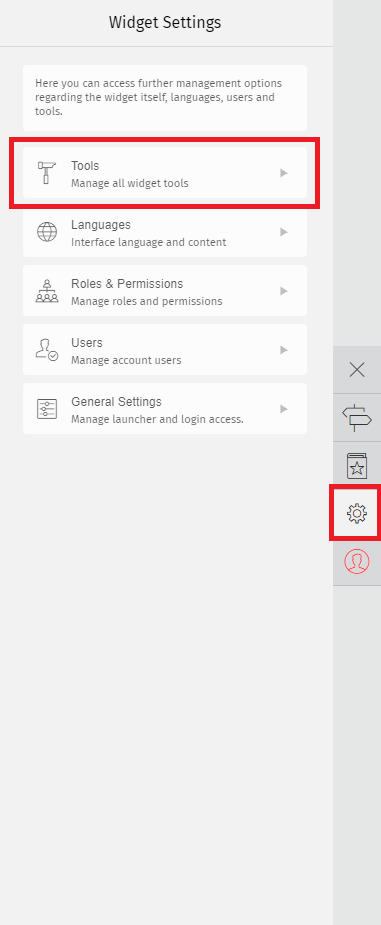
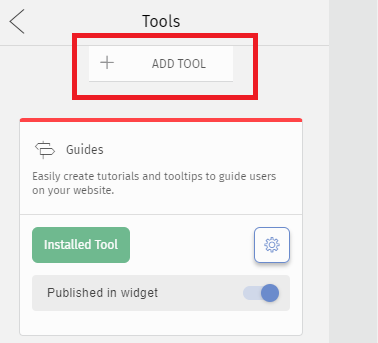
3. Click on Tools and select "Add tool"
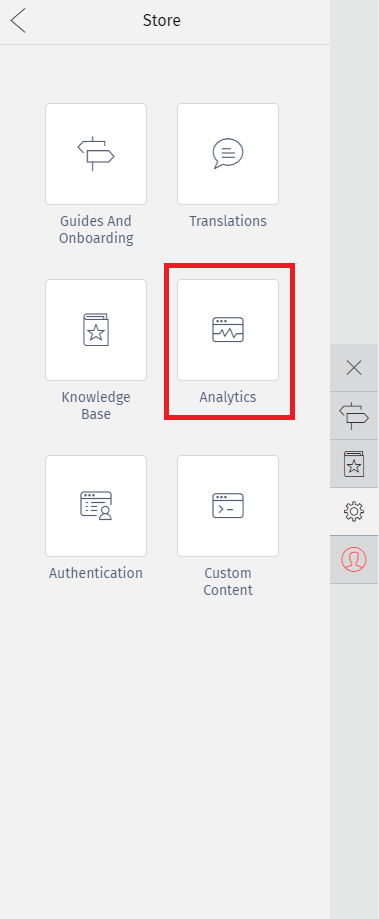
4. A list of tools will appear. Select the Analytics option.
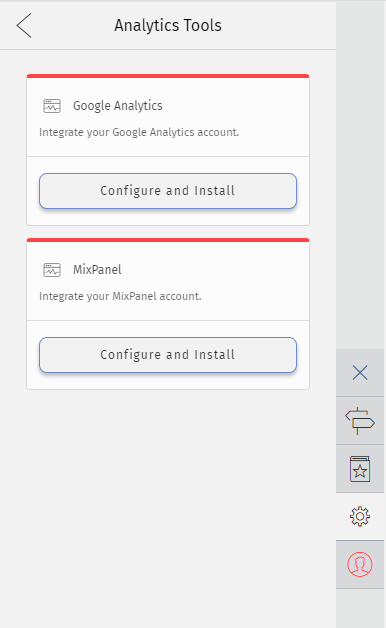
5 - In the card Google Analytics select "Configure and Install"
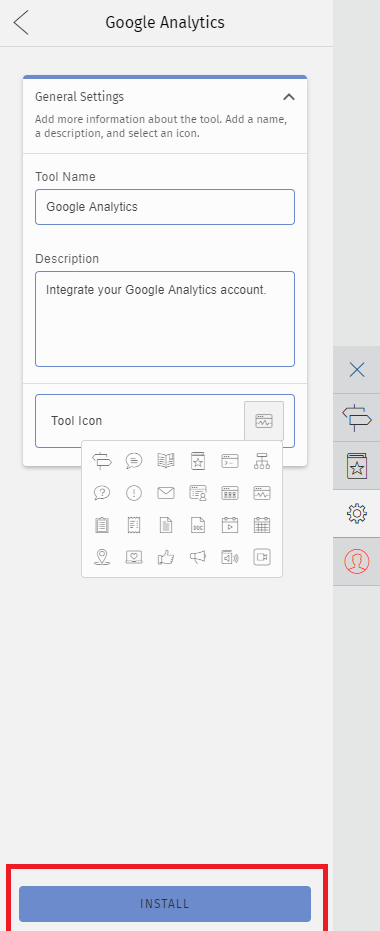
5. Change the description and icon of the integration if you'd like. Then click "Install"
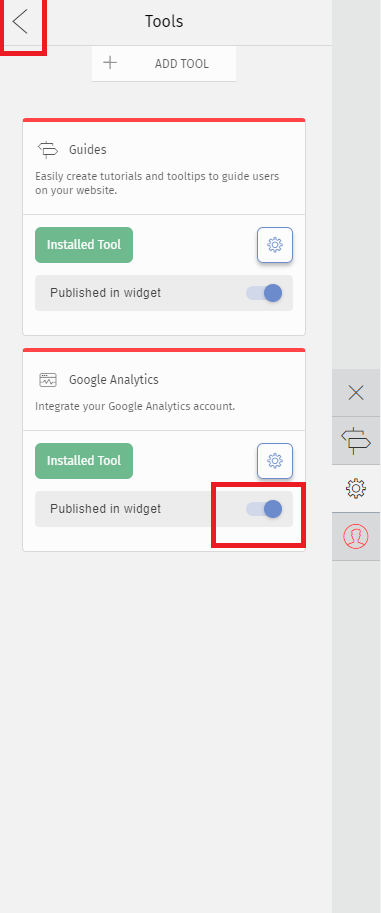
6. Go back to your tools list and enable the option "Published in Widget"
7. On your GTM account, create the following Data Layer variables:
- The Event Action data layer variable:
Name: Event Action
Data Layer Variable Name: eventAction - The Event Category data layer variable:
Name: Event Category
Data Layer Variable Name: eventCategory - The Event Label data layer variable:
Name: Event Label
Data Layer Variable Name: eventLabel - The Event Value data layer variable:
Name: Event Value
Data Layer Variable Name: eventValue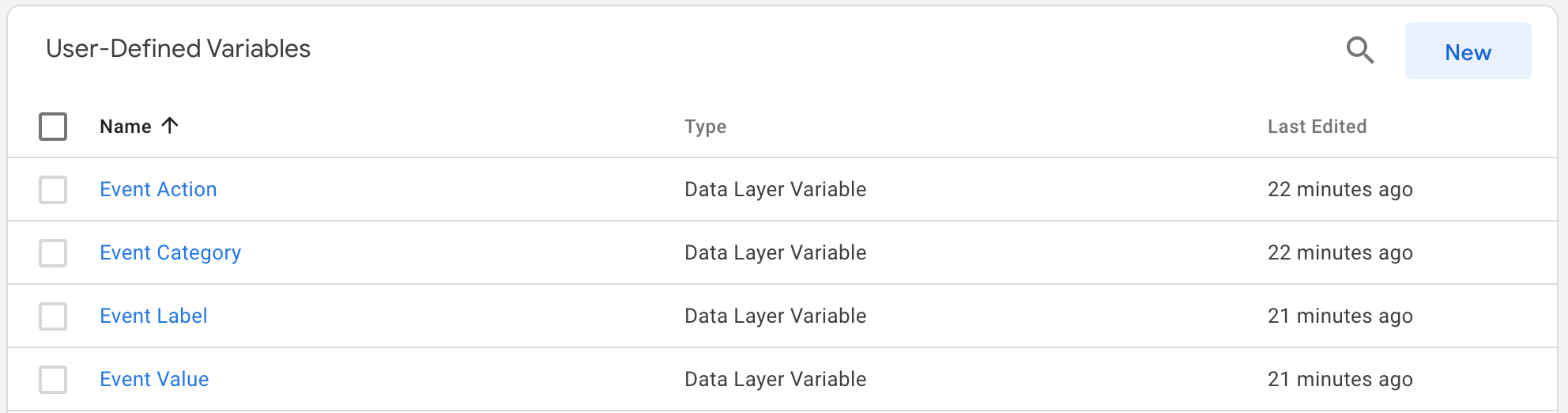

8. Then create a Trigger:
Trigger Type: Custom Event
Event Name: helppierTrigger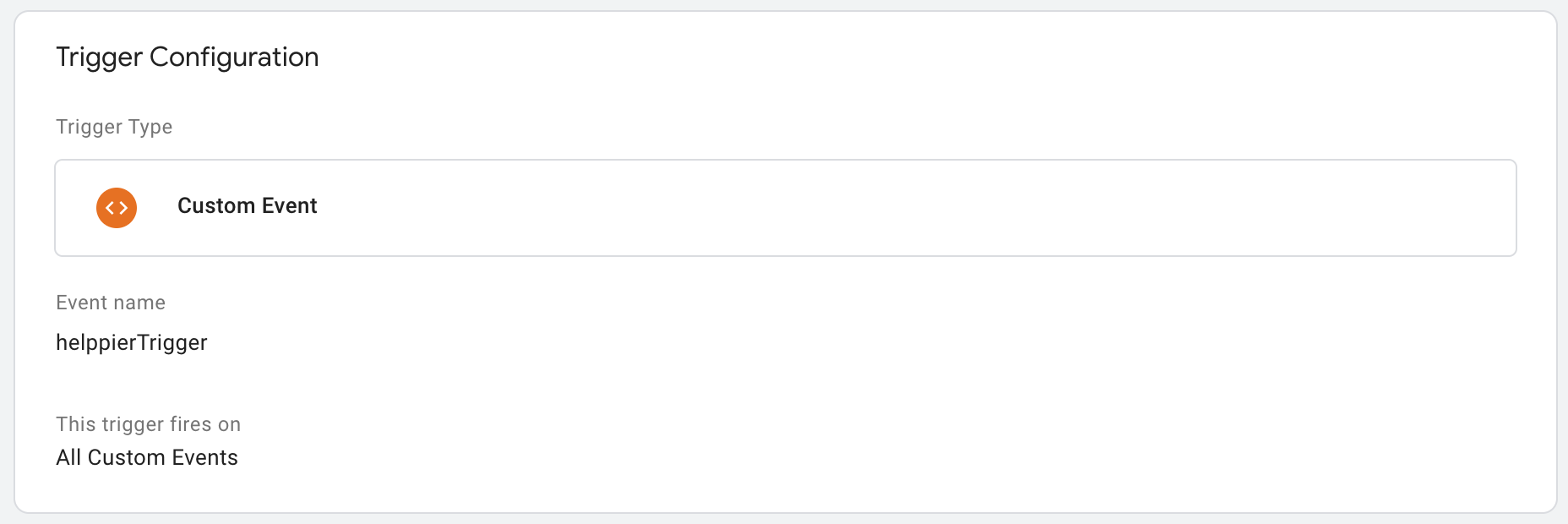
9. Create a Tag using the trigger and data layers previously created.

10. Publish these updates. make sure that your GTM is correctly configured to your Google Analytics account.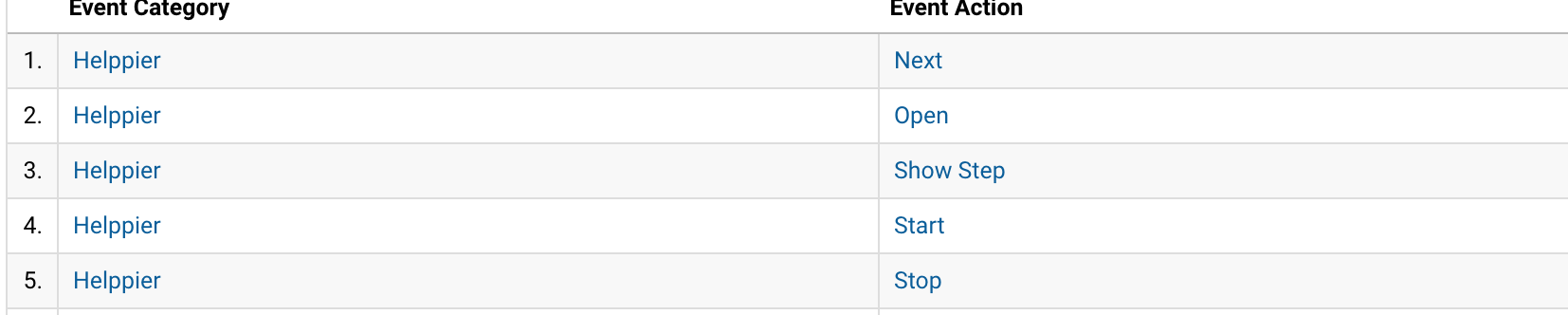
Example result of what can be displayed at Google Analytics account.
Comments
0 comments
Please sign in to leave a comment.