After publishing NPS surveys on your website, all the data and feedback received will go to your Helppier dashboard.
To check your customers' feedback please follow these steps:
1. Login to your dasboard at www.helppier.com
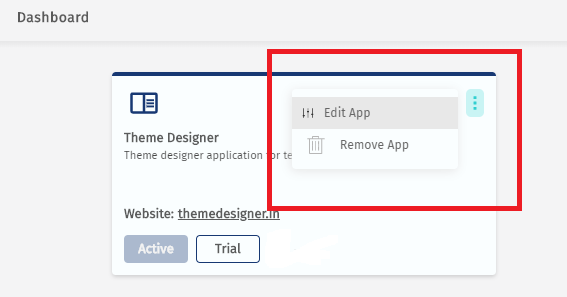
2. Select the app/domain you want and click on "Edit App"
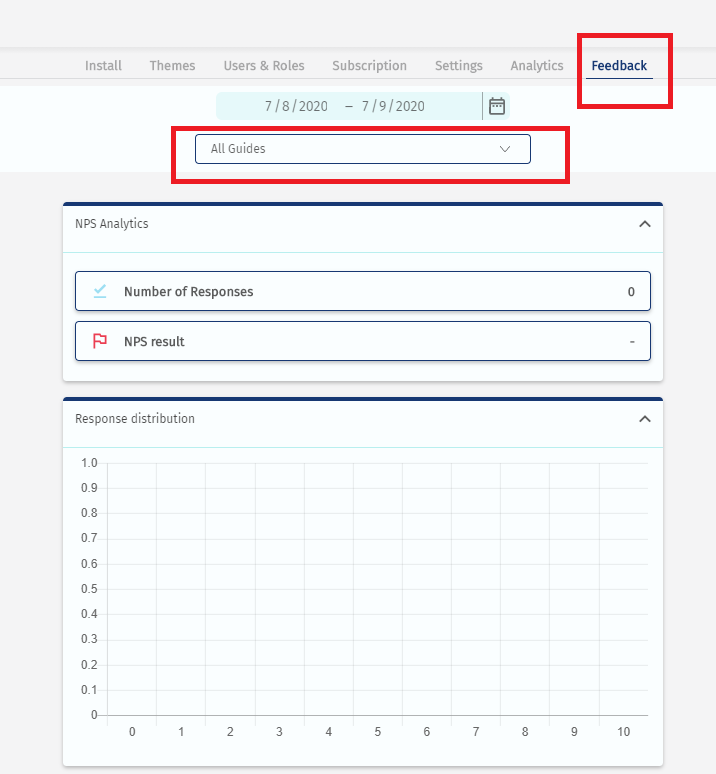
3. Go to the tab "Feedback" and select your NPS on the guides list.
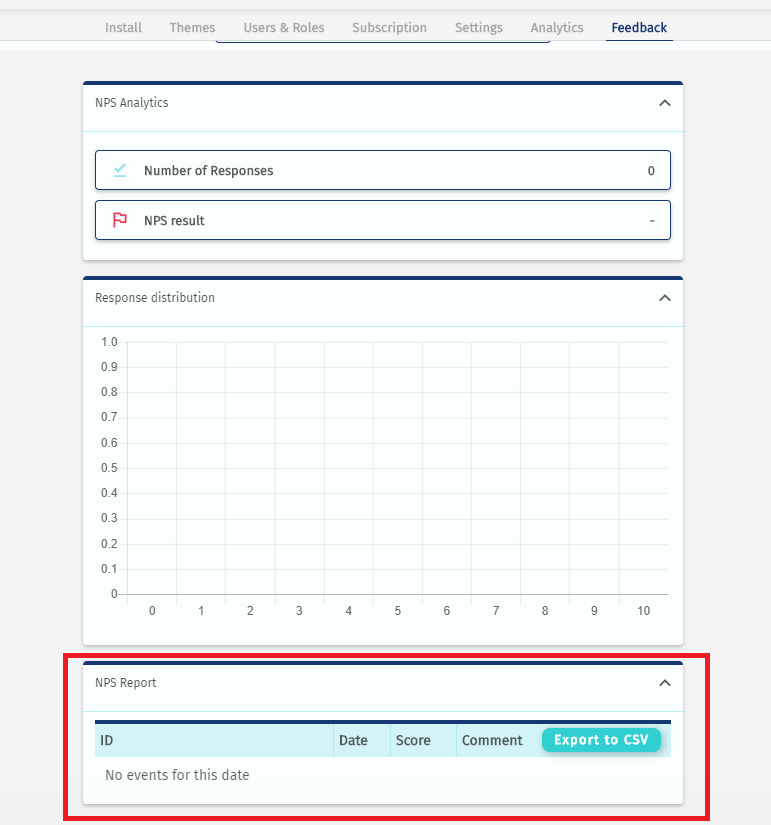
4. There you find a dashboard with all the information received from users on Helppier's NPS feature. And also an option to export to CSV.
Comments
0 comments
Please sign in to leave a comment.