If you don't want to show the bottom bar that appears at the end of the page when a guide or in-app message is being viewed, follow these instructions.
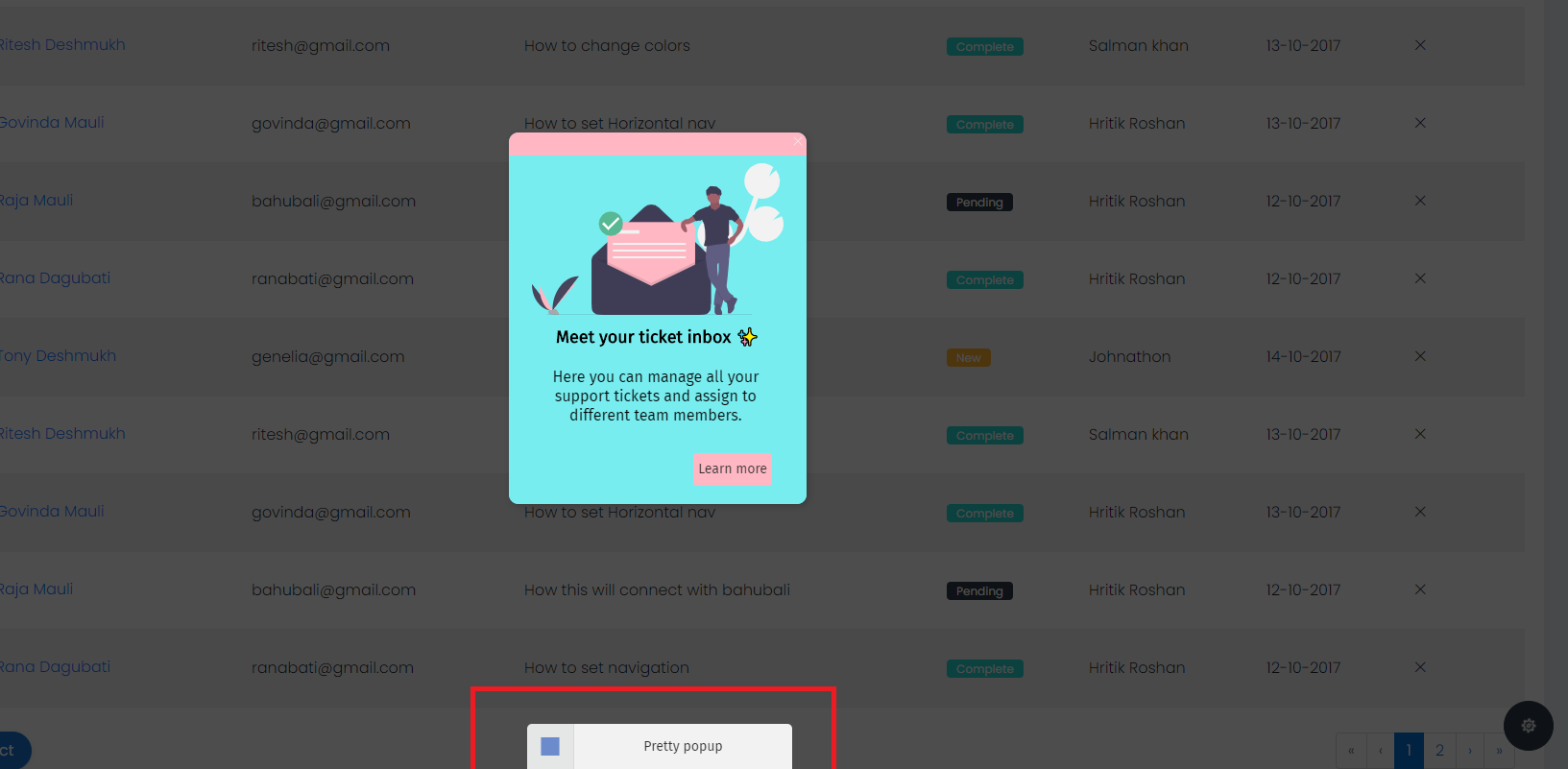
With Bottom Bar:
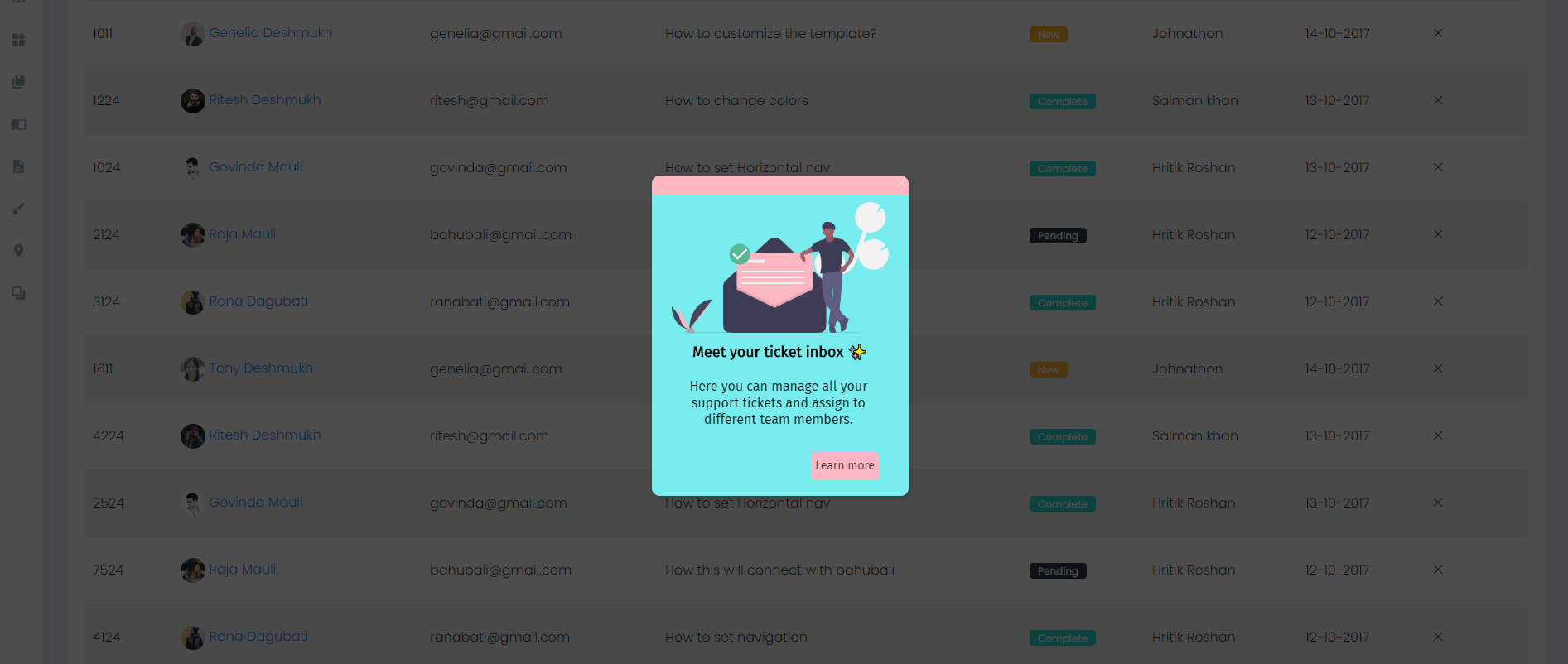
Without bottom bar:
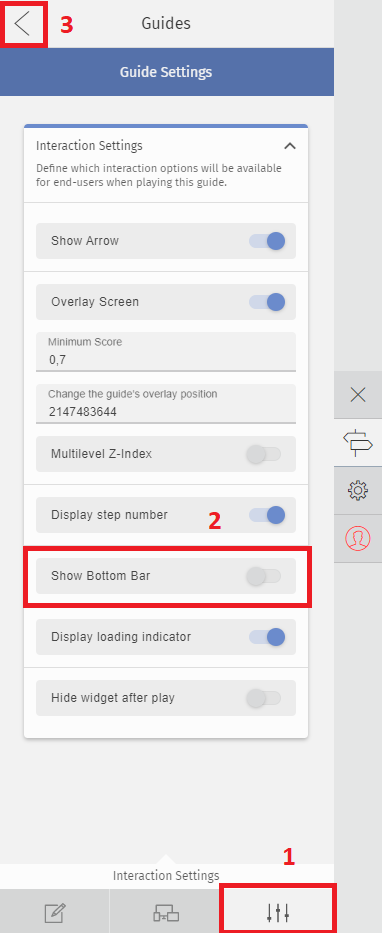
1 - Go to your main guides list and click the "Edit" option
2 - In your guide's step list select the option "Edit Guide" in the top menu

3 - Go to the last tab "Interaction Settings" and disable the option "Bottom Bar"
Click on the Back arrow to keep creating guides.
Comments
0 comments
Please sign in to leave a comment.