If you're using Chrome Extension your guides will remain private to admin users.
To publish guides for users you need to install our Snippet Code on your website/app.
Before publishing your guide to users make sure your guide is correctly setup.
Settings
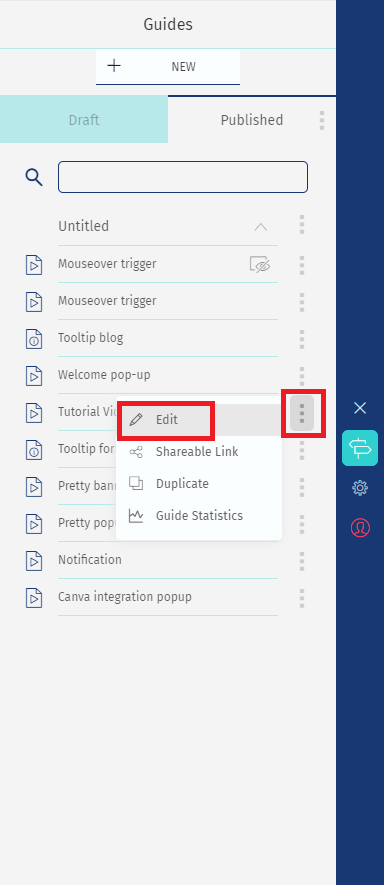
1. Go to your Guides List, select the guide you want to publish, and click on the option "Edit Guide" located on the side menu.
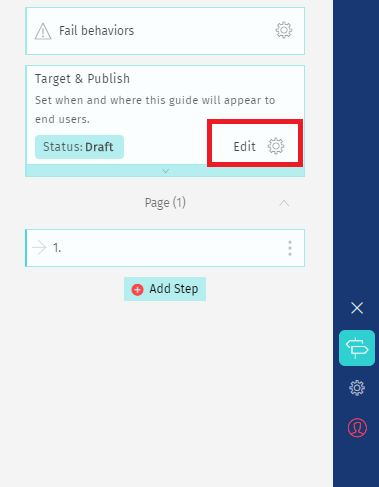
2. Your step list will open. Select the option "Edit" located in the Target & Publish card.
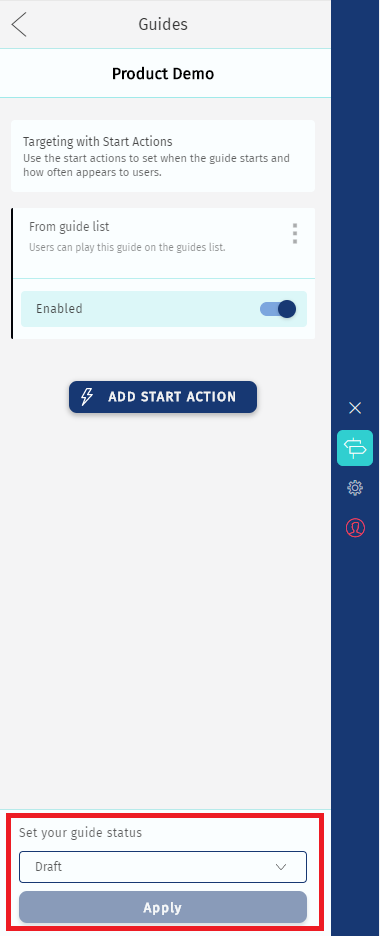
3. Scroll down and select the option Published. Then click"Apply".
Click on the back arrow to go to the previous screens and keep creating guides. Everything will be saved.
Comments
0 comments
Please sign in to leave a comment.