Check Helppier Credentials on backoffice:
To login on the backoffice, you just need to follow this link: https://www.helppier.com/en/login/
There you’ll be asked for your credentials: all you need is your email address and password, as demonstrated below.
There you’ll be asked for your credentials: all you need is your email address and password, as demonstrated below.
In case you’ve forgotten your password, do not worry as you can reset it through your email. Just click Forgot password? in the login page and you’ll jump to a new page with the instructions on how to reset your password laid out, as shown in the images below.

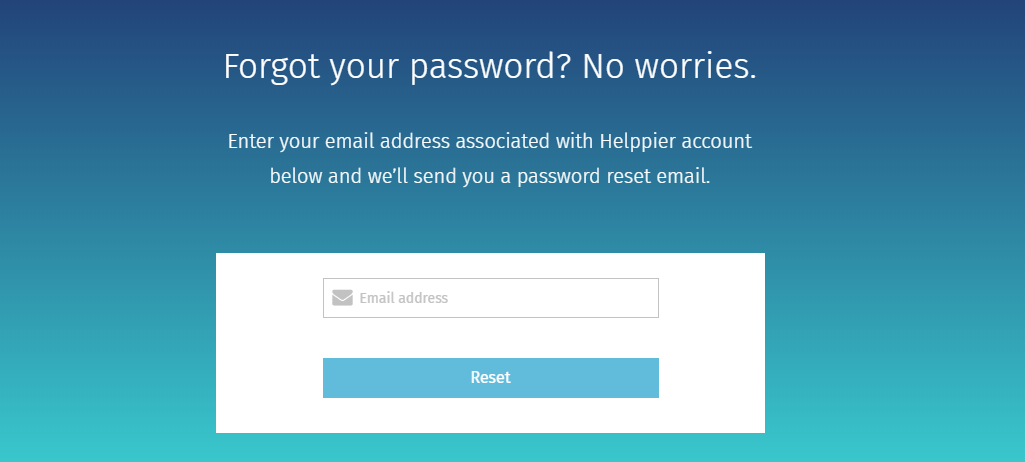
A password reset email will be sent to your email account with a link that allows you to create a new password for your Helppier account. After that, you just need to write your credentials, including your new password, and you'll have access to the back office.
Now, use the same credentials to login on the widget installed on your website.
Does the login tool on widget not appear?
Read more here about how to resolve it.
Comments
0 comments
Please sign in to leave a comment.